Build the operational app your team needs
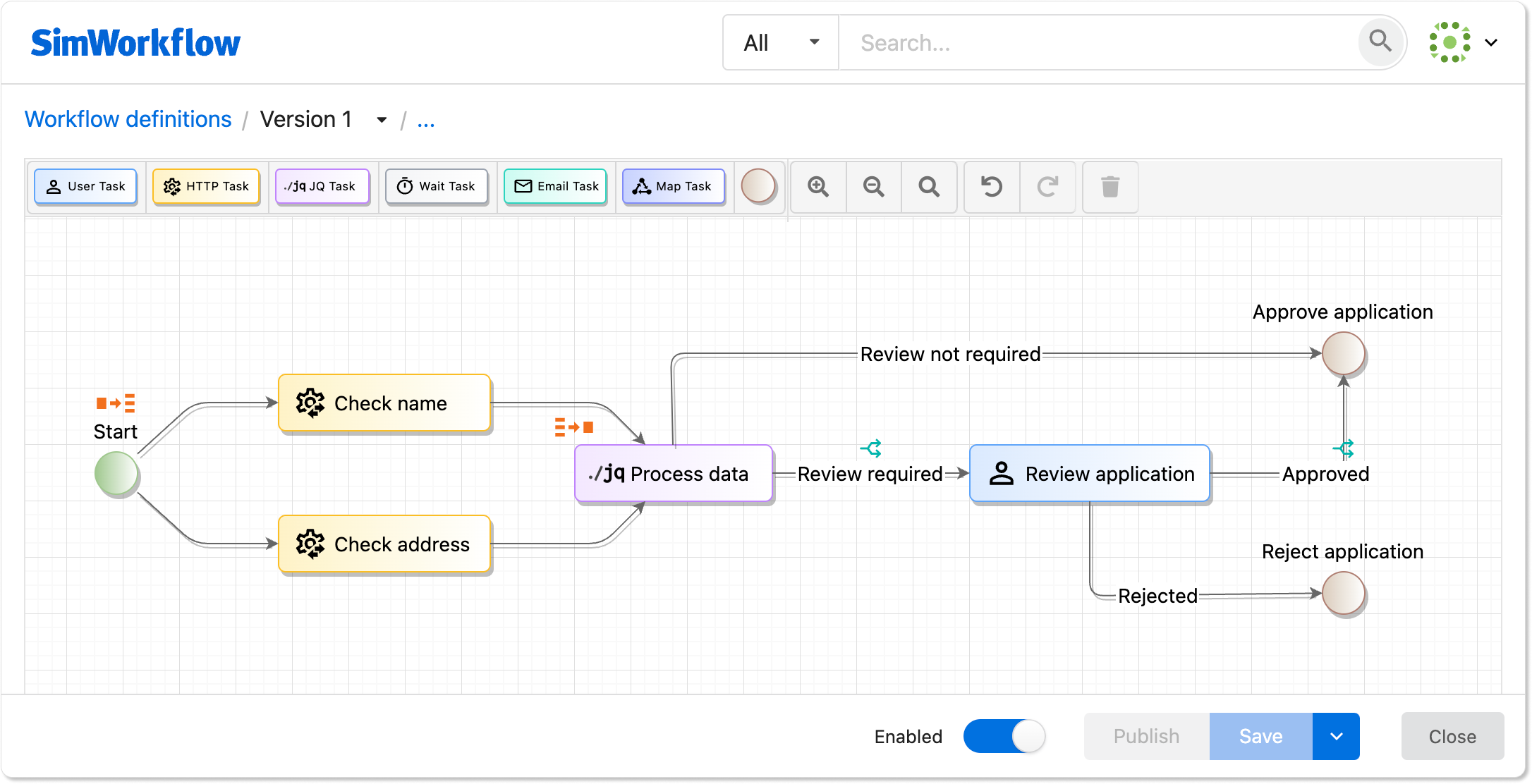
Bring your team's knowledge and work together in Pages. Automate repeatable processes. See what happened at every step.
Free to start. No credit card required.
One place for knowledge, work, and every outcome
Pages hold the information. Workflows handle the next step. History shows what happened.
Keep knowledge and work together
Use Pages to work together on documents, requests, files, and the work your team does every day.
Automate repeatable work
Route work, coordinate people, call APIs, and send notifications.
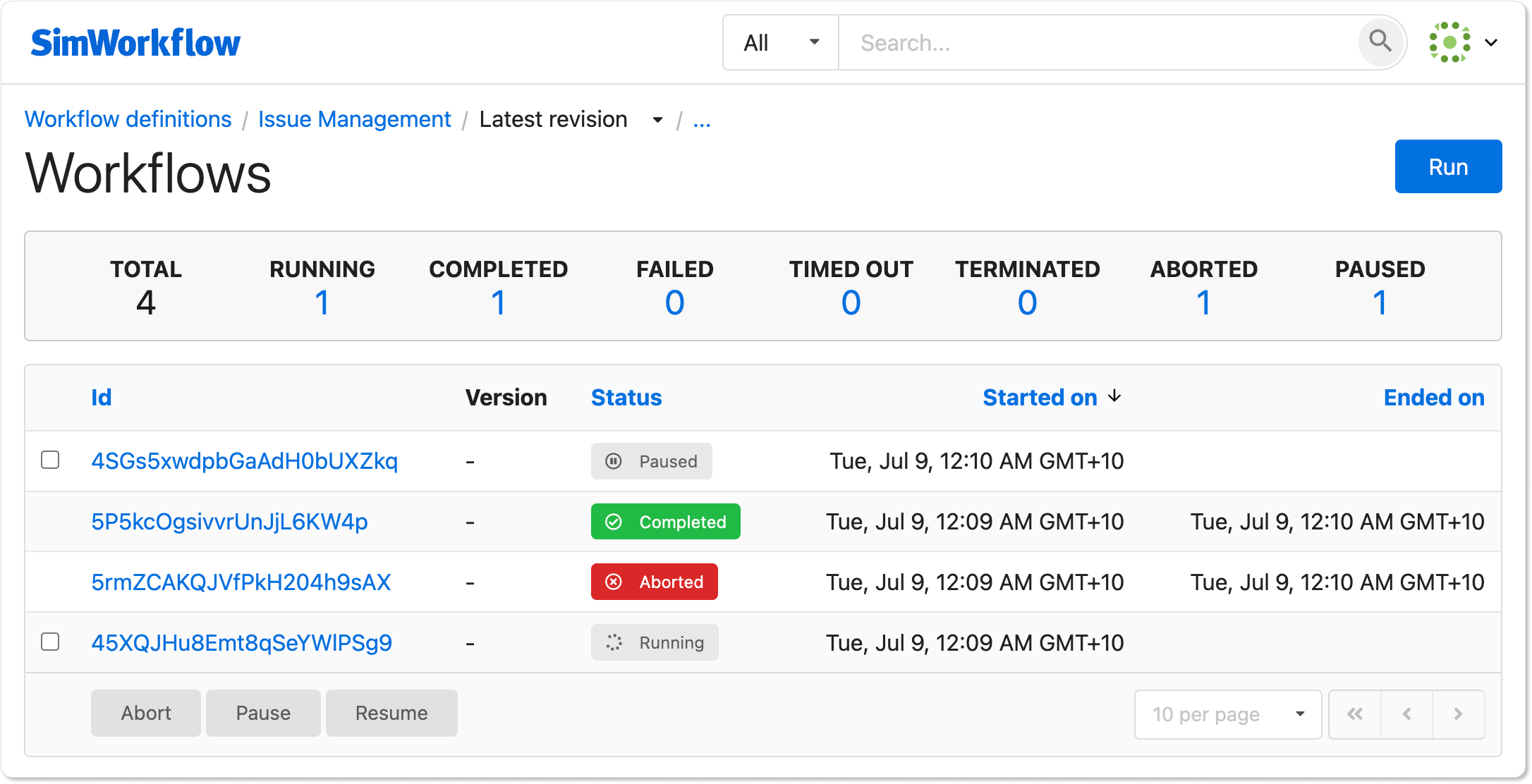
See what happened
See every workflow run, who acted, and what happened next.
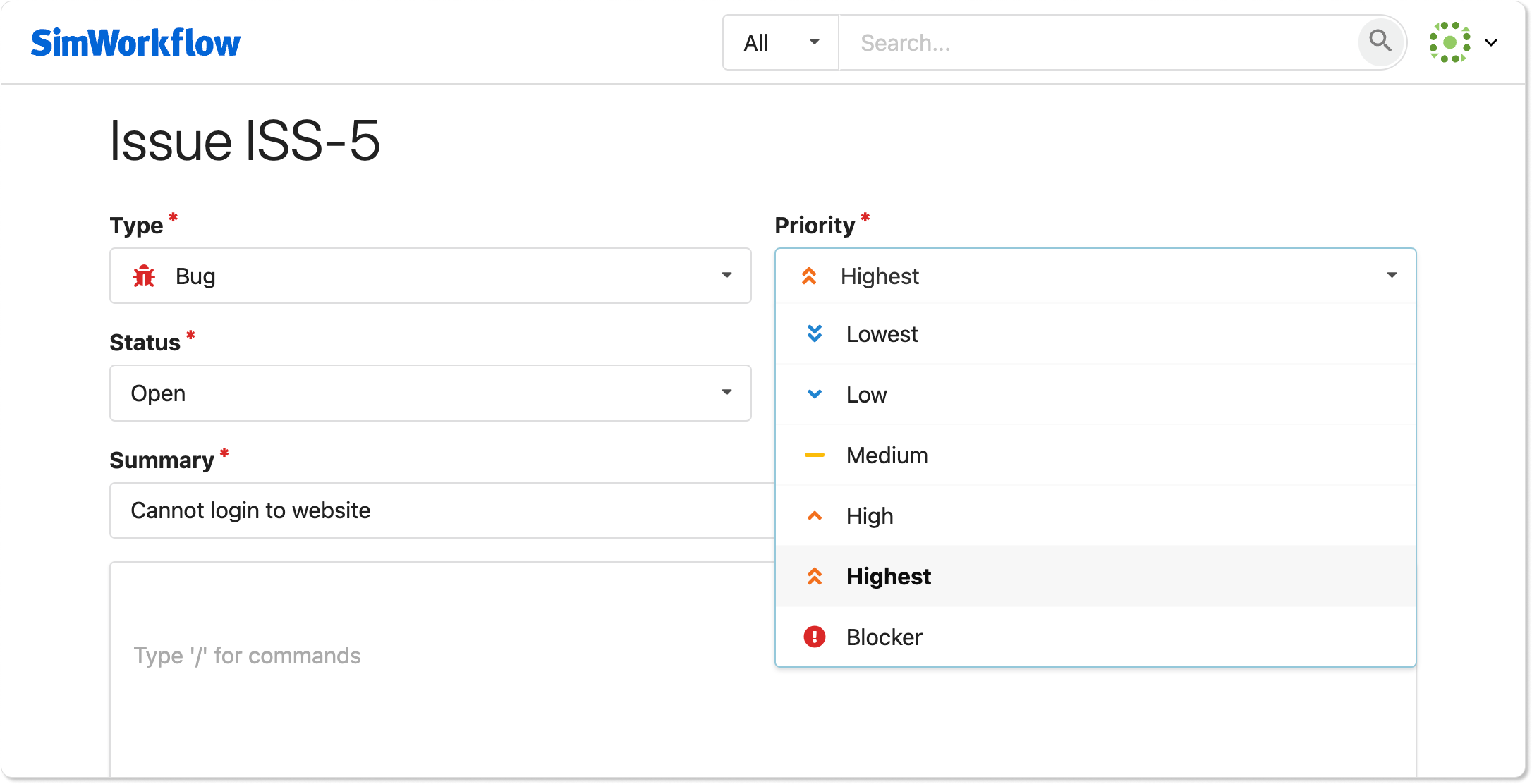
Give your team a clear place to act
Create request, upload, approval, and task Pages so your team can submit information, review it, and complete the work.
Workflows handle what happens next
Route requests, assign tasks, send notifications, call external APIs with HTTP tasks, and use AI tasks where they add value.